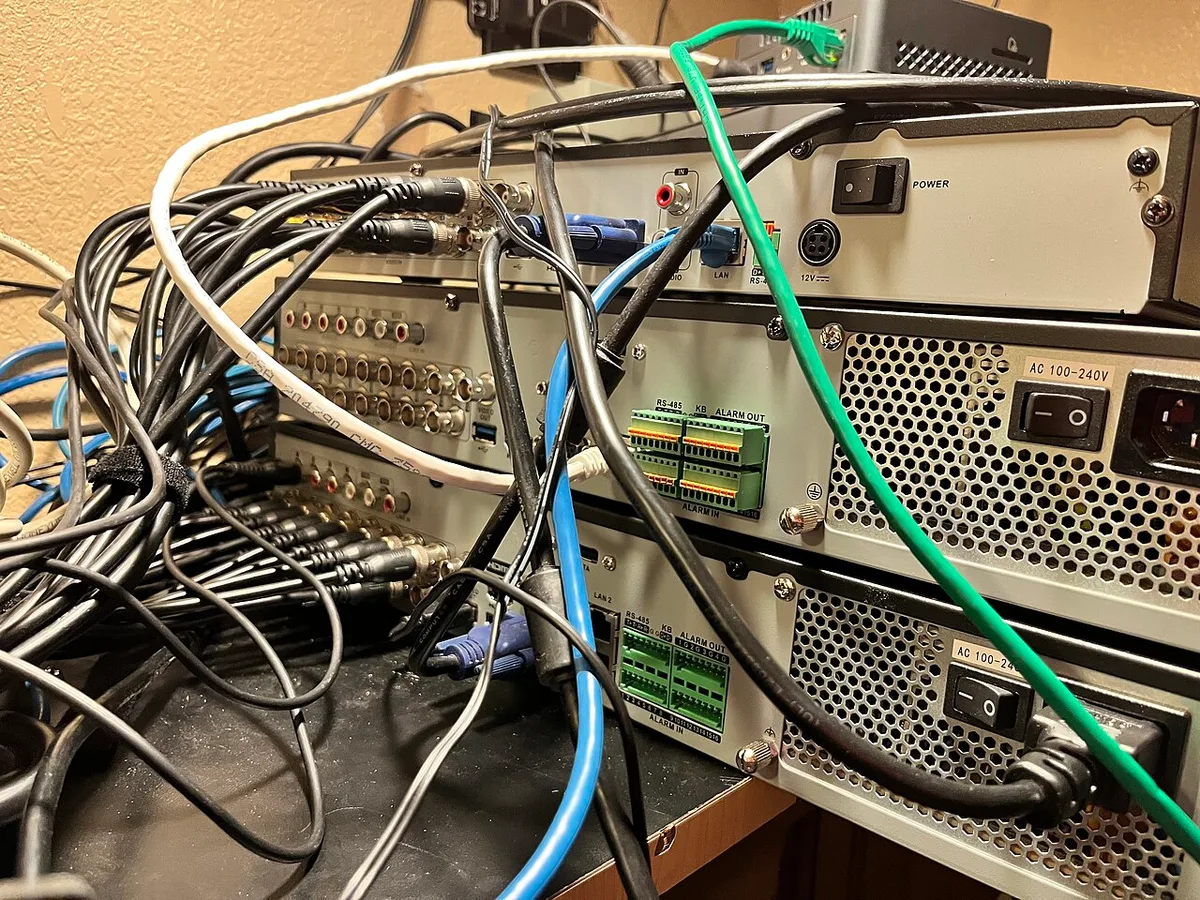
- A strong client signal does not establish a strong backhaul path.
- Place wireless nodes for both local coverage and upstream connection.
- Verify exact compatibility, topology, and active wired links.
A nearby wireless signal is only the first hop
A mesh network can make a device see a strong signal from a nearby node. That does not by itself establish that the node has a strong path to the rest of the network. The connection among the network’s components is often called backhaul. TP-Link’s EasyMesh guidance distinguishes supported Ethernet backhaul from wireless backhaul and explains how the connection type can be checked in its interface. The details are product-specific, but the underlying evaluation question applies broadly.
When a room has poor service, placing another node there may improve the visible signal while leaving its upstream connection weak. A useful setup needs both the client-to-node link and the node’s path onward to be adequate. The buyer should therefore think in terms of a route rather than a collection of coverage circles. This article explains that planning method without recommending a particular mesh product or promising a fixed performance gain.
Placement must serve two relationships
A wireless node has to communicate with clients in the target area and with the network path that carries their traffic. Those goals can compete. A location deep inside a difficult room may be close to the laptop but poorly connected to another node. A location somewhat nearer the main network may provide a more useful balance. The correct position depends on the building and equipment.
Test several sensible locations rather than assuming that the center of the dead zone is ideal. Use the product’s supported status tools and a representative task, such as a call or local transfer. Observe the path during the times when problems occur. Avoid judging only from the number of signal bars on the client. A strong first hop is useful, but the complete route determines whether information arrives consistently. Placement is a practical experiment guided by the room, not a result that can be guaranteed from a floor area printed on a box.
Wired backhaul changes one part of the problem
A supported Ethernet connection between nodes can remove dependence on a wireless link for that part of the route. That may be useful where walls, distance, or radio congestion make the inter-node path difficult. It still requires compatible equipment, correct topology, suitable cabling, and the manufacturer’s supported configuration. A socket on the node does not establish that every wiring arrangement is valid.
Check the exact model and hardware revision. Follow the current setup guidance, including the order and role of connected devices. If a switch is involved, verify compatibility and avoid creating loops or unsupported paths. Use the interface to confirm that the intended connection type is active rather than assuming that plugging in a cable completed the change. A wired route can be a strong solution, but its value comes from a correctly configured system whose behavior is verified after installation.
A mesh label does not make different ecosystems interchangeable
Products can use different management systems and compatibility rules even when they are described with similar networking language. A buyer should not assume that any router, extender, and mesh node can form one coherent system. Firmware support and product revisions may also change what is available. The exact supported combination matters more than a broad category name.
Inventory existing equipment before adding another unit. Record model numbers, revisions, operating modes, and the role of each device. Consult official compatibility information and release notes. If the network already works in some areas, preserve a record of that configuration before making changes. A planned expansion should improve the weak area without creating a second unclear management system. The goal is a network whose components cooperate in a supported way, not a larger collection of wireless products that happen to share a room.
Roaming is a client experience as well as a network feature
Moving through a building introduces another question: how a client transitions among available connections. A network may offer coordinated access points while the device still makes decisions according to its own capabilities and conditions. A system that performs well while stationary should therefore be tested during the movement that matters to the owner. A call made while walking is a different test from a speed measurement at one desk.
Try common routes through the home or office with the actual phone or laptop. Note where interruptions occur and whether they repeat. Check official guidance for relevant settings rather than changing advanced options randomly. Different client generations may behave differently on the same network. A useful evaluation names the device and activity so that an improvement can be verified. The practical goal is continuity for the tasks that need it, not an assumption that the word seamless removes every possible transition issue.
More nodes are not always the clearest solution
Adding equipment can improve a network, but it can also add management, radio activity, power use, and new paths to understand. Before buying another node, identify whether the limitation is coverage, backhaul, internet service, or a particular client. A network with too little information about its own behavior can become harder to maintain as each new unit is added.
Use a simple diagram and keep the arrangement understandable. Name nodes by location, record which links are wired, and check updates through supported methods. If a local problem remains, test it against a direct suitable connection where practical. That can help distinguish the wireless route from other causes. A modest network that is well placed and maintained can be more useful than an ambitious one whose paths no one understands. Expansion should follow evidence of a need rather than a general belief that more hardware necessarily means better service.
The successful mesh is the one that supports the actual rooms
Backhaul is important because it explains a common mismatch: a client can appear well connected while the route behind that connection remains constrained. Understanding both hops makes troubleshooting and purchasing more precise. It also reveals why a placement change or supported cable may be more effective than replacing every node with a newer generation.
Before expanding, map the important rooms, tasks, clients, and inter-node paths. Verify compatibility and test the intended topology. After changes, confirm the active connection types and repeat the original problem task, including movement if relevant. Keep a record of the working setup. The best mesh network is not the one with the most units or the largest coverage claim. It is the one that provides dependable service where people use it, through routes that remain clear enough to maintain when the building, devices, or routines change.
Sources & further reading
Primary references inform the reporting. Our explanations, scenarios, and conclusions are editorial analysis; source statements are not independent test results.
- TP-Link EasyMesh Ethernet backhaul guidancewww.tp-link.com
Source publication or reference date: 2026-11-04.
See an error or an important update? Contact the editors.


