Apple’s October MacBook Pro announcement introduces OLED and touch. Here is what those changes mean for creative workflows, ergonomics, and upgrade decisions.
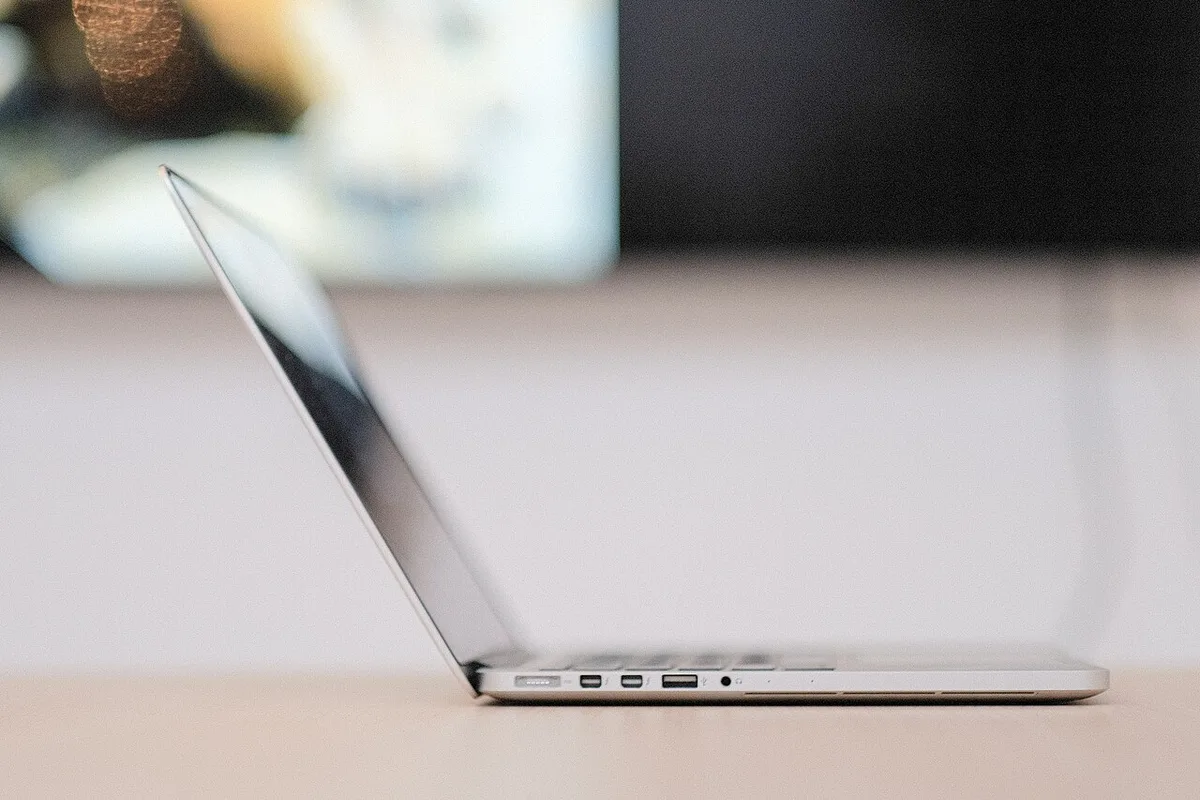
USB-C describes a connector, while the complete connection has data, display, and power capabilities. A practical method for checking USB4 avoids expensive assumptions about similar-looking equipment.
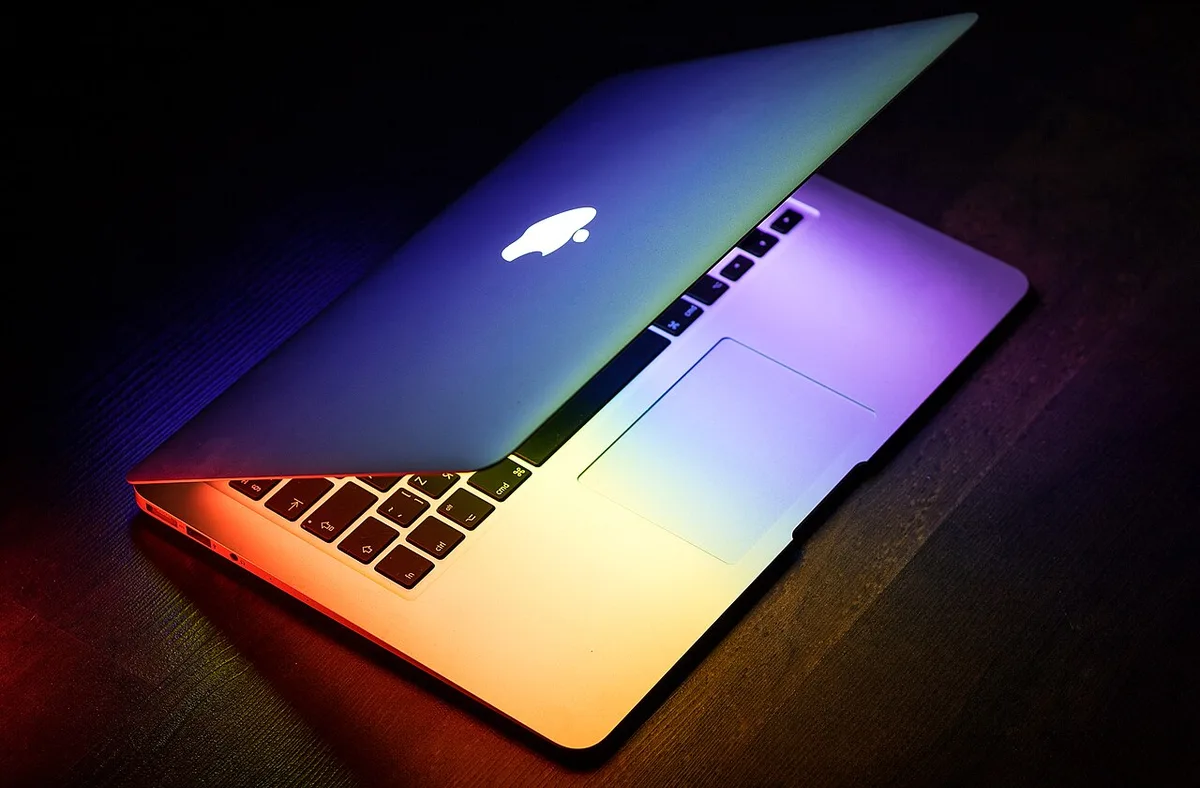
A practical reading of Apple’s new M6 14-inch MacBook Pro, centered on sustained work, screen size, configuration choices, and the limits of launch claims.
Thunderbolt 5 offers a larger connection budget, including a display-oriented boost mode. The practical value depends on storage, screens, host support, and how devices share the link.
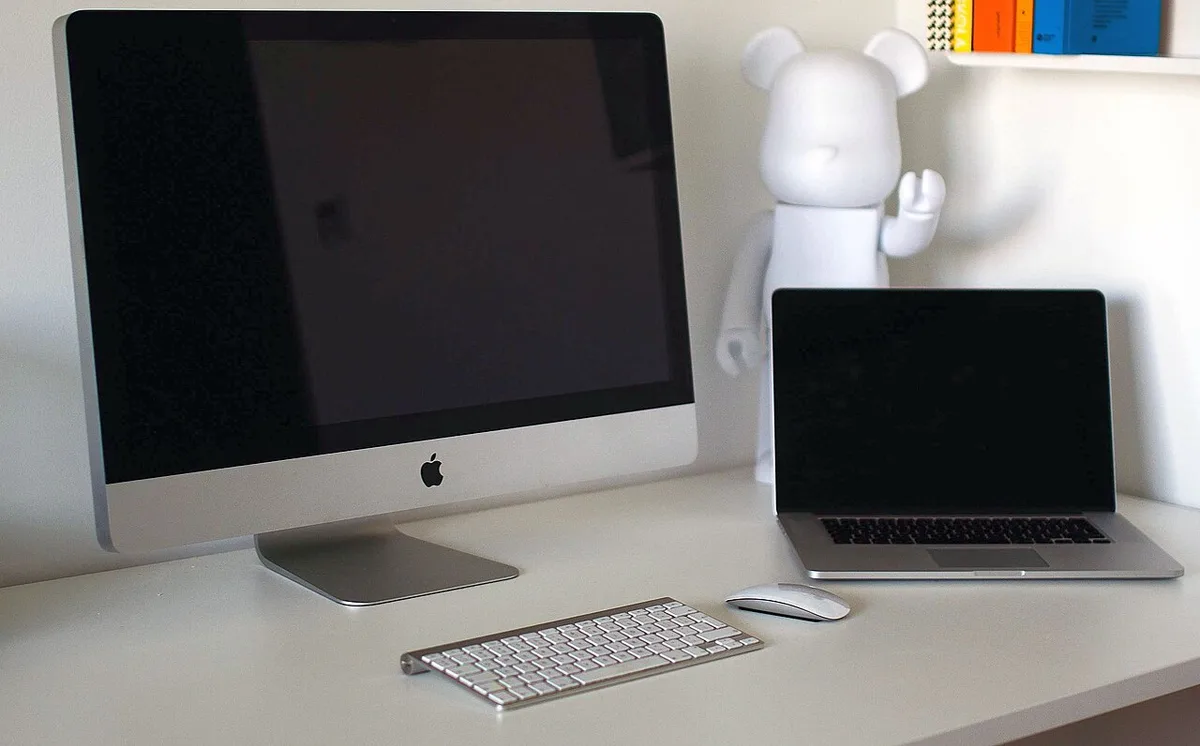
Apple’s M6 iMac renews the all-in-one desktop argument. This analysis examines shared spaces, display longevity, desk ergonomics, and the cost of simplicity.
Wi-Fi 7 can coordinate supported wireless links, but the practical result depends on both ends, the room, and the traffic. Here is how to separate a wireless upgrade from other network limits.
The new OLED iPad mini is a portability decision as much as a processor update. We examine reading, note-taking, travel, and the work that still benefits from more space.
Bluetooth Channel Sounding adds a standardized approach to distance measurement. Understanding what it measures, what products must implement, and what uncertainty remains prevents exaggerated expectations.
Variable aperture is the headline of Apple’s new Pro camera. Understanding exposure, depth of field, movement, and editing reveals when that control is useful.
Understanding the difference between protocol, physical format, connection, and flash helps buyers evaluate modern storage without confusing one fast-sounding label with a complete product.
Apple’s first foldable iPhone changes the relationship between a pocket device and a larger workspace. The important questions concern tasks, software, handling, and care.
A portable SSD should be evaluated over the full transfer, connection chain, temperature conditions, and recovery process. Short peak-speed demonstrations leave important questions unanswered.
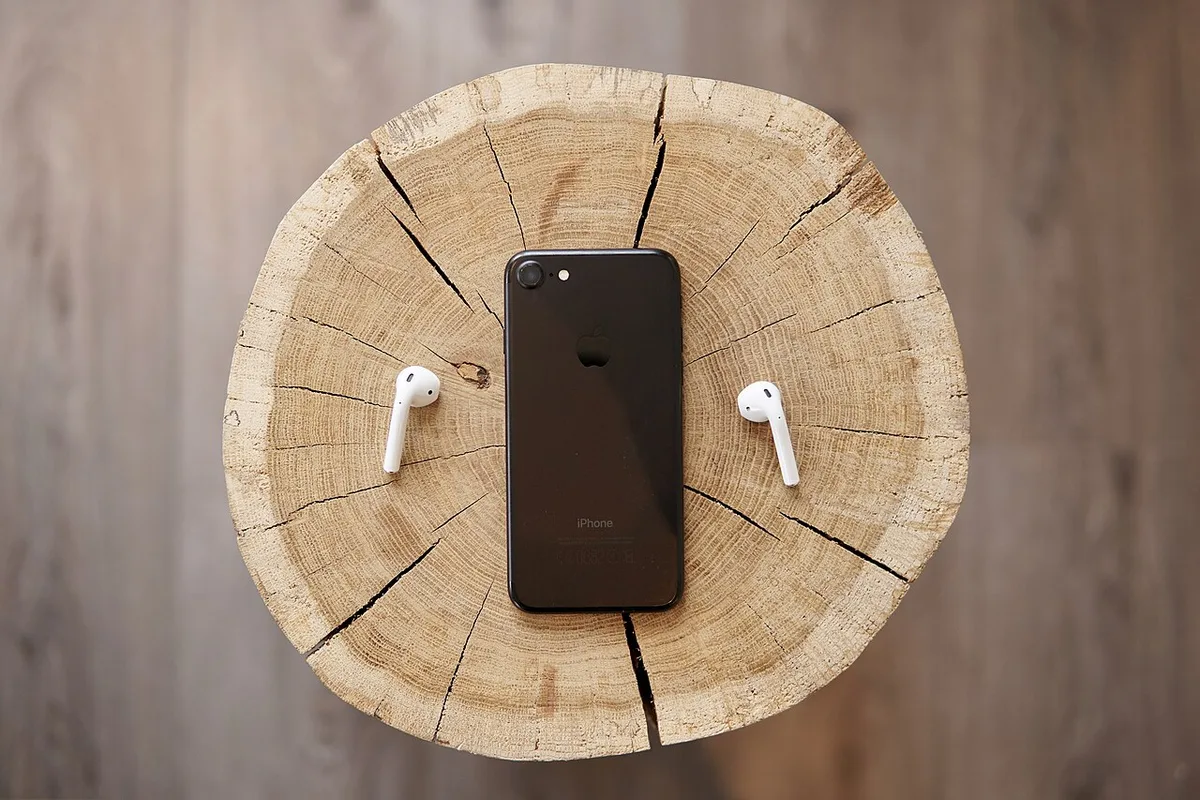
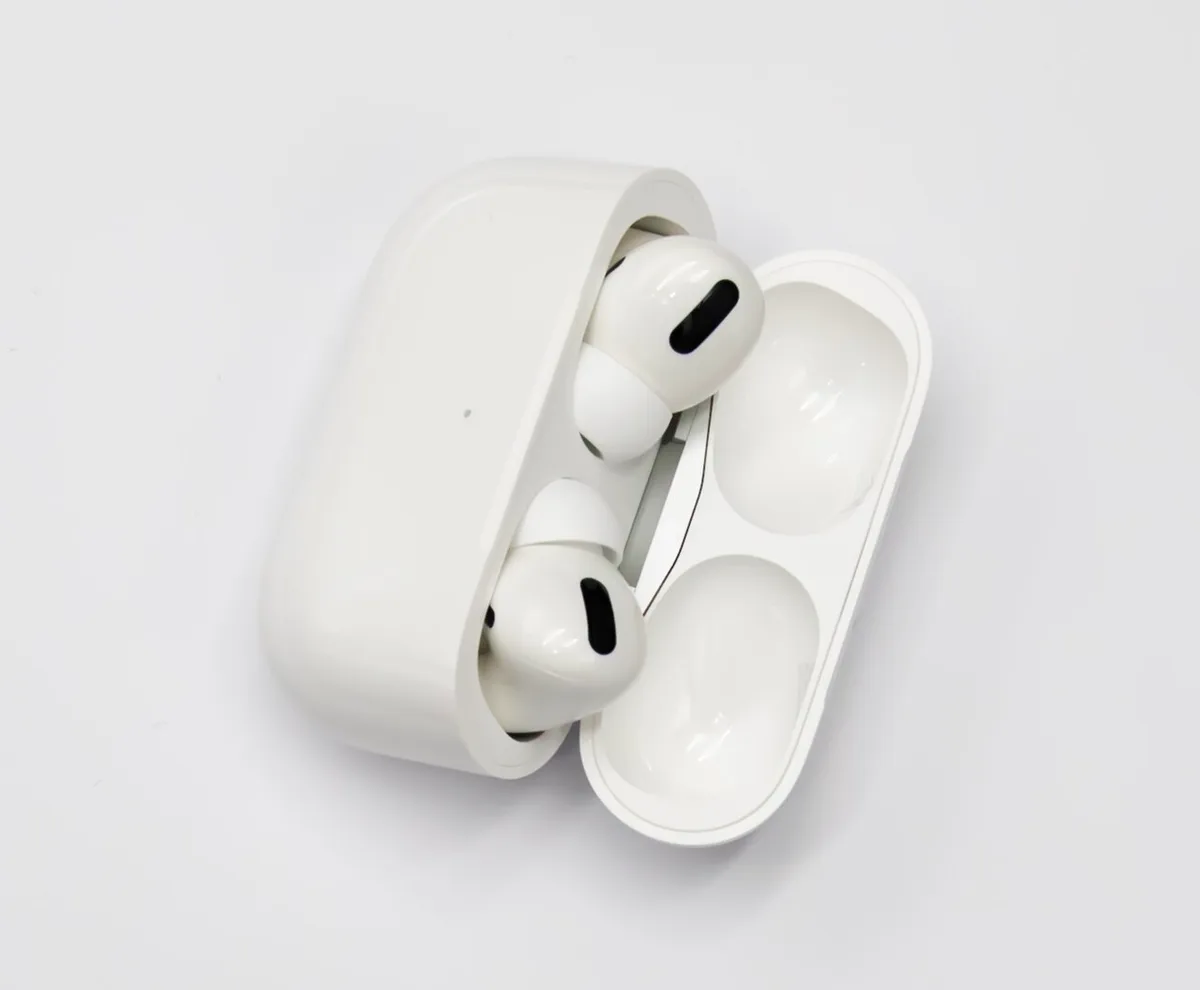
Open-ear earbuds trade a sealed fit for a different kind of comfort. Apple’s AirPods 5 announcement is a useful moment to examine fit, noise control, speech, and daily charging.
Model weights are only part of inference memory. Context length, active requests, cache strategy, and generation limits shape the capacity a service can actually provide.
A computer can use memory productively while still remaining responsive. Understanding working sets, pressure, storage spillover, and representative workloads leads to better configuration decisions.
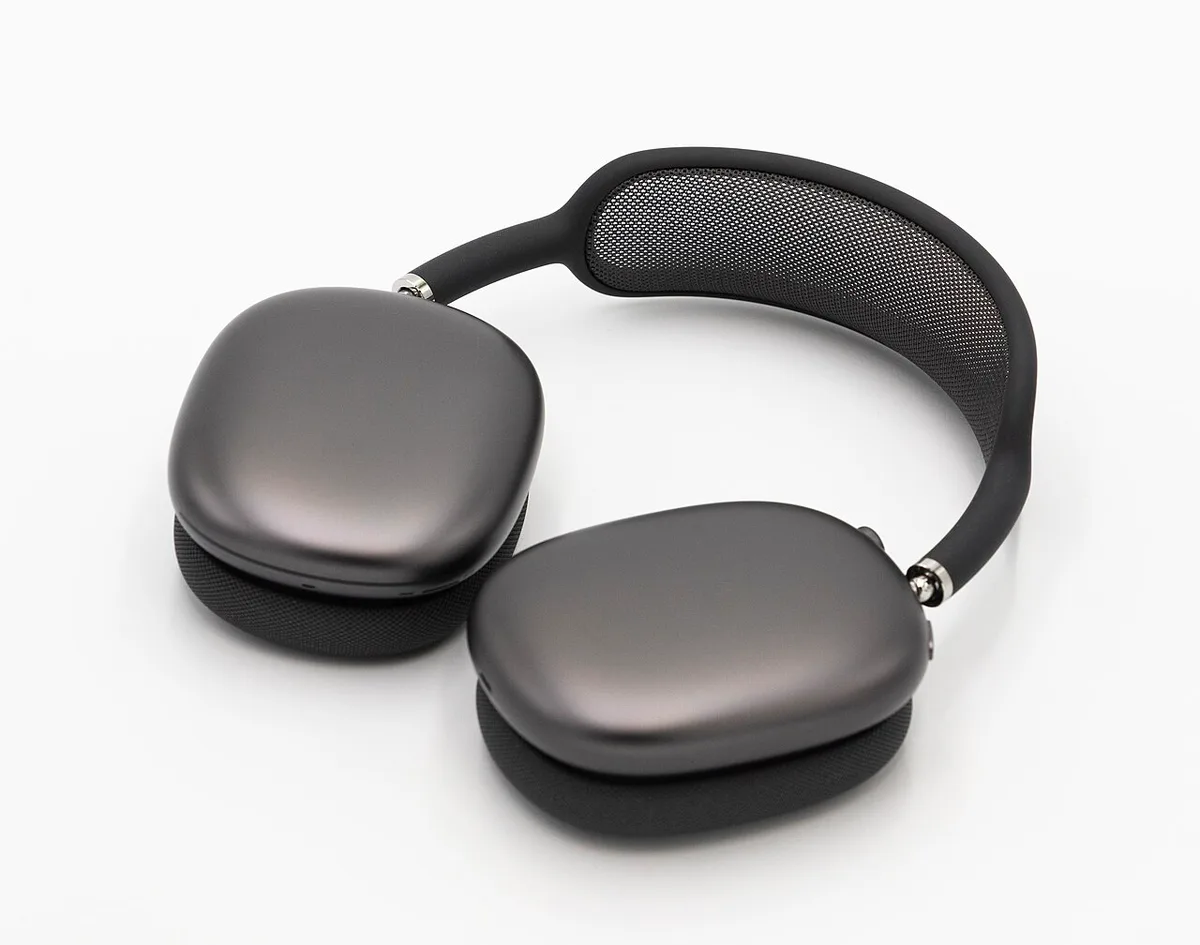
Apple’s latest over-ear headphones invite a broader evaluation than sound alone: long-session comfort, microphones, travel space, source quality, and repair all affect their value.
Ray tracing hardware does not remove the need to organize a scene. Acceleration structures, updates, materials, and workload choices explain why two projects can behave very differently on the same GPU.
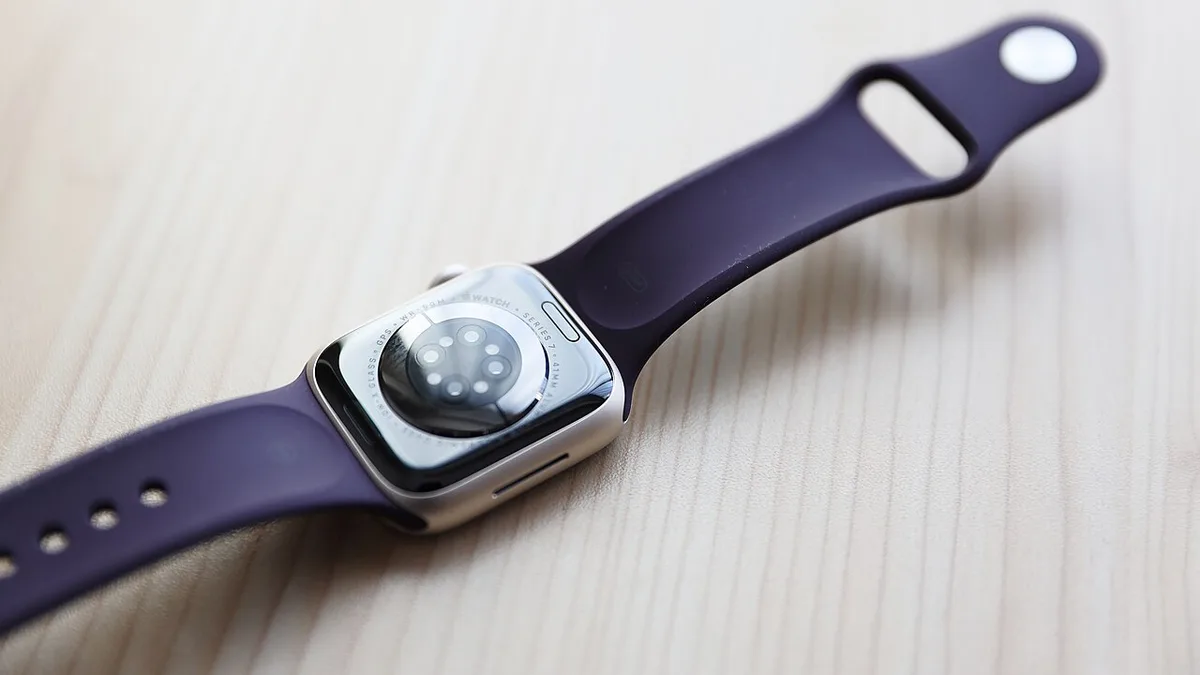
A smartwatch is a sensor, notification surface, and daily charging commitment. Apple’s Series 12 announcement offers a chance to decide which of those roles is actually useful.
AI hardware labels do not establish application acceleration. A practical NPU evaluation connects supported models, runtimes, memory, energy use, and the task a person actually performs.
An outdoor watch must fit a route, charging plan, navigation method, and fallback. Apple’s Ultra 4 announcement is a starting point for that assessment, not a substitute for it.
Lower-bit model representations can reduce memory demand, but feasibility, speed, and answer quality remain separate questions. A practical evaluation uses the actual model, hardware, and task.
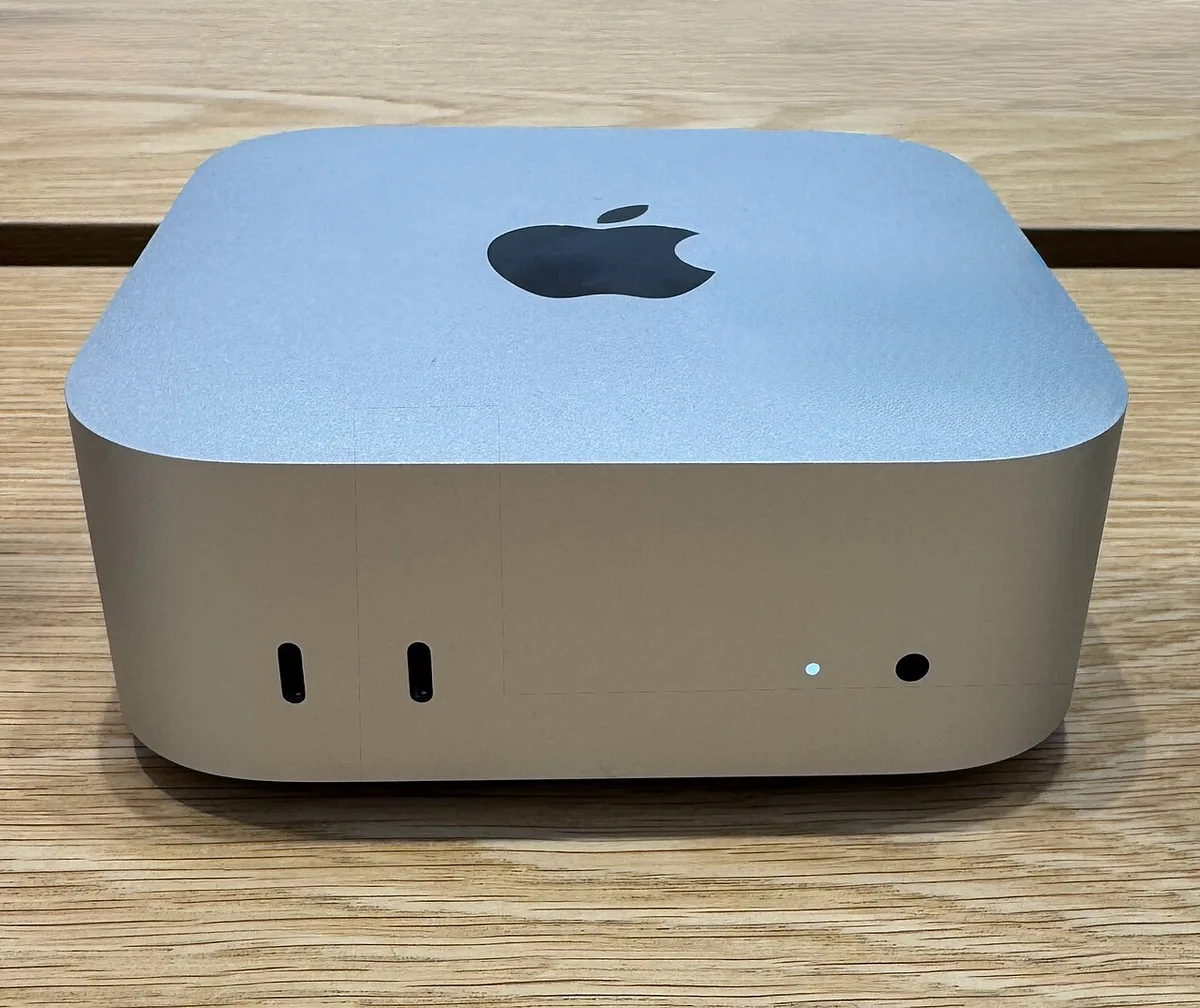
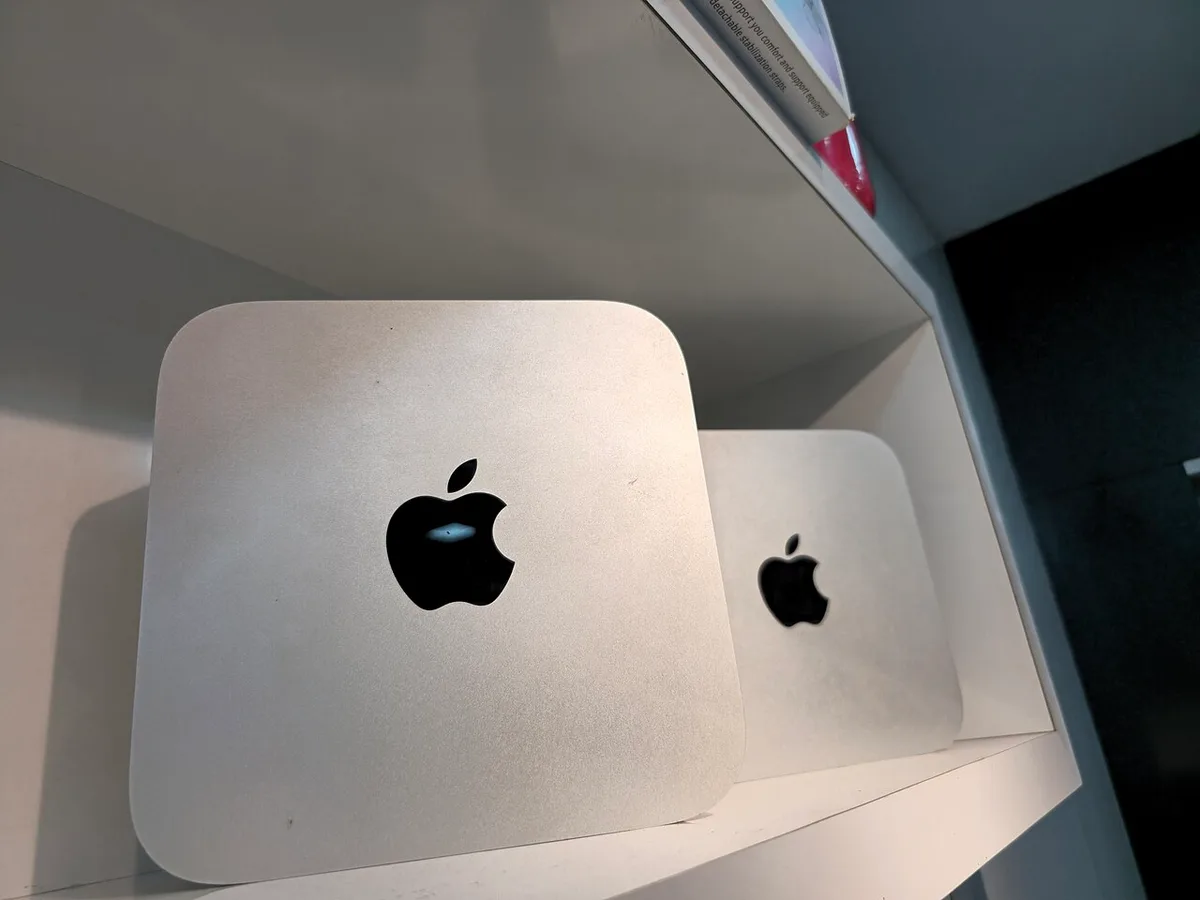
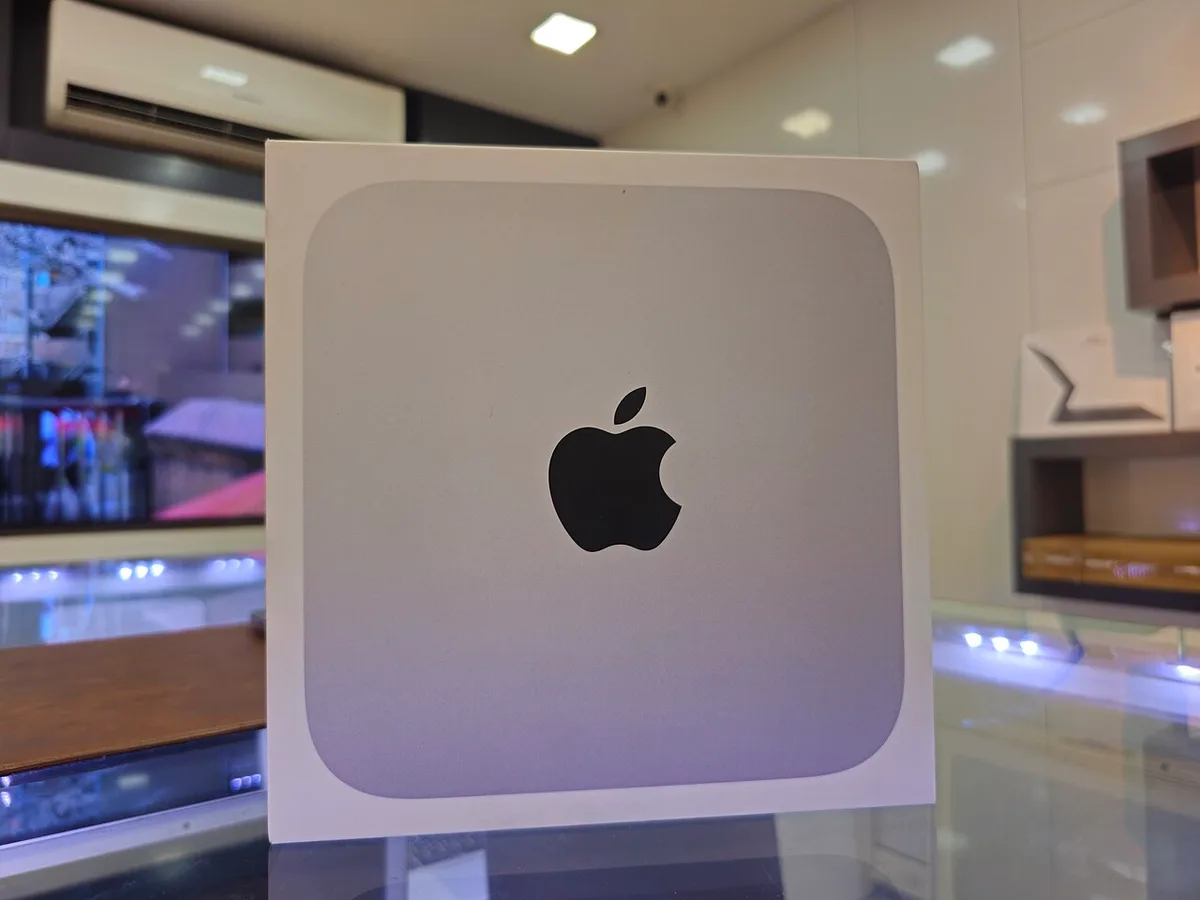
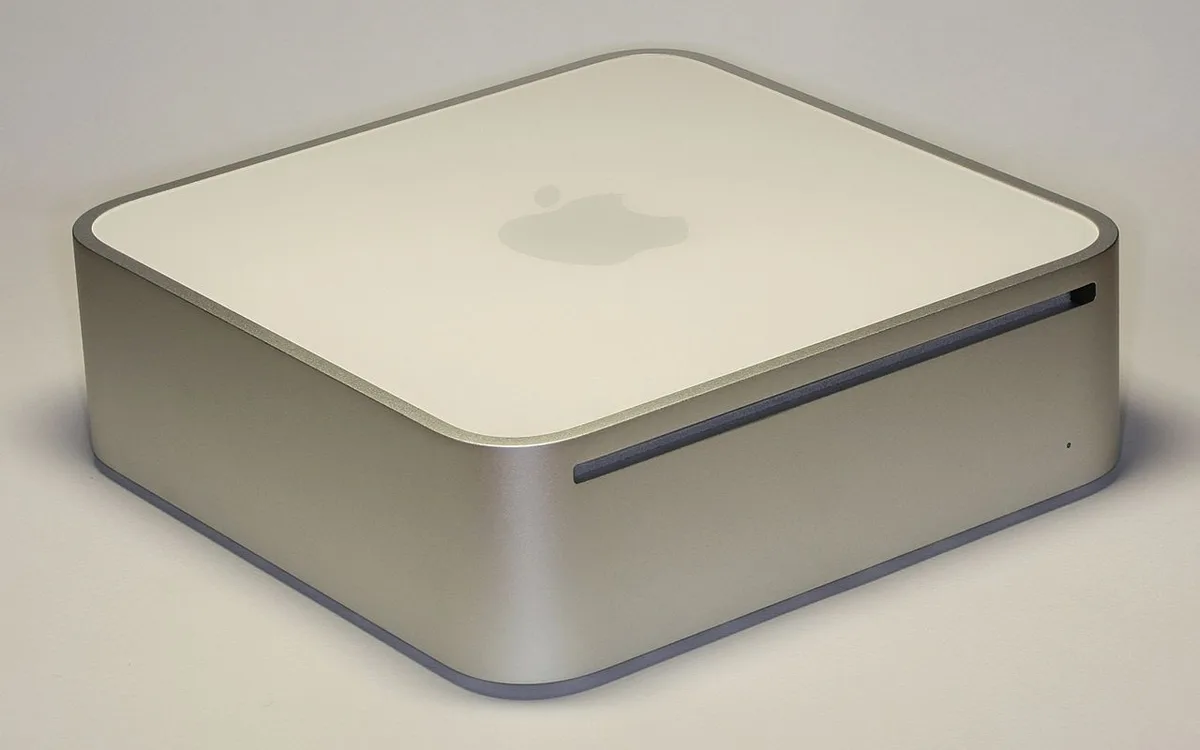
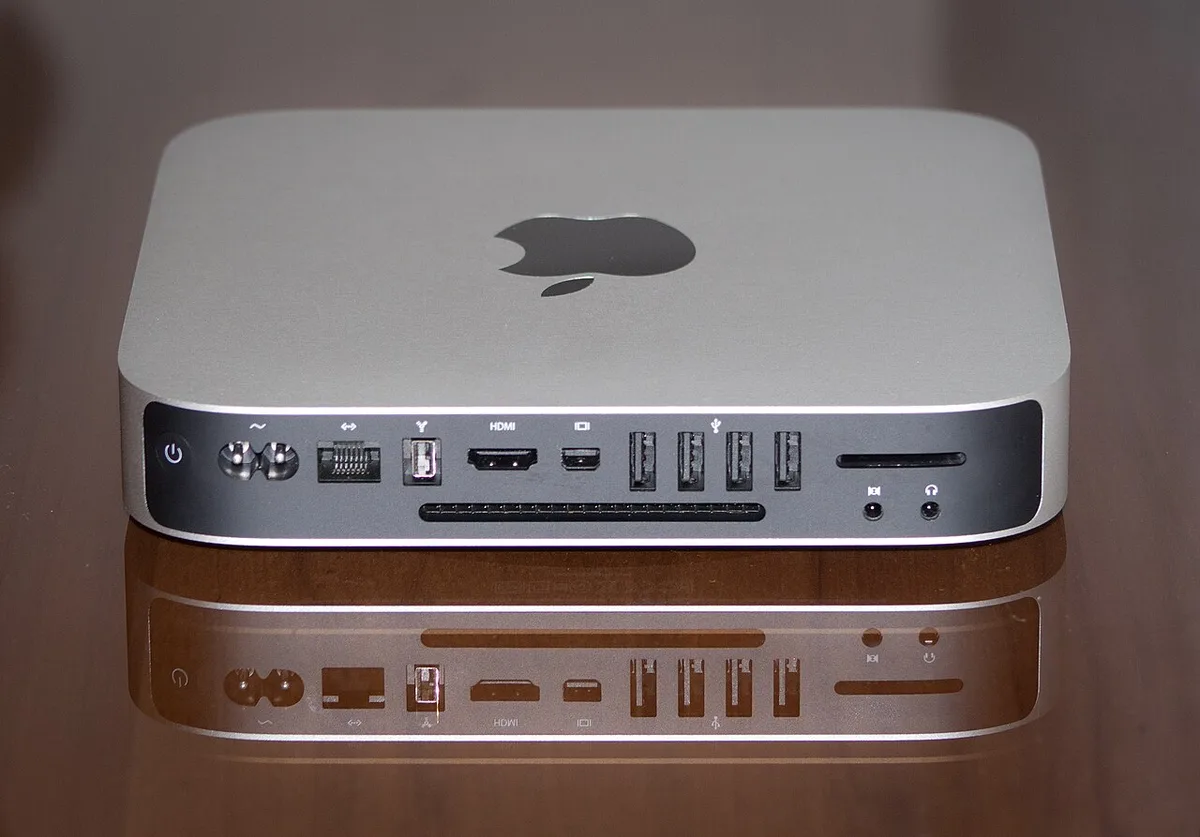
A compact desktop can be a flexible, economical workstation when its surrounding equipment is planned. Apple’s new Mac mini renews the case for choosing the parts deliberately.
Computing performance depends on moving data as well as performing arithmetic. Understanding bandwidth, access patterns, reuse, and measurement helps explain real workload differences.
Large local workloads make memory capacity, application support, and sustained throughput central to workstation buying. Apple’s new Mac Studio should be evaluated against that complete workload.
High-resolution, high-refresh displays need substantial link capacity. VESA DSC is one way compatible systems fit that signal into a connection, with important distinctions between visual and mathematical losslessness.
The M5 MacBook Air is best understood through ordinary work: documents, calls, portable creative tasks, and the small frictions that accumulate over a week.
OLED offers useful contrast characteristics, while long-term care depends on the device and usage. Distinguishing temporary persistence, permanent change, and unsupported claims leads to calmer decisions.
Apple’s entry MacBook places affordability at the center of its pitch. A useful assessment includes required software, accessories, support, and the work it must complete.
Local dimming divides backlight control into regions. Understanding the interaction of zones, LCD pixels, content, and processing explains why a zone count cannot rank every screen by itself.
The M4 iPad Air can support reading, handwritten work, and portable study. Its value depends on assignment formats, feedback, file handling, and what a learner already owns.
Refresh rate, frame rate, and variable timing describe different parts of a display experience. Understanding their relationship makes monitor comparisons and setup checks more useful.
A professional tablet earns its place through the whole illustration process: input, reference, layers, color, revision, export, and archiving. Here is how to evaluate that process.
A color value needs a context. Calibration, profiling, document settings, and output conversion work together to make creative files more predictable across devices and delivery formats.
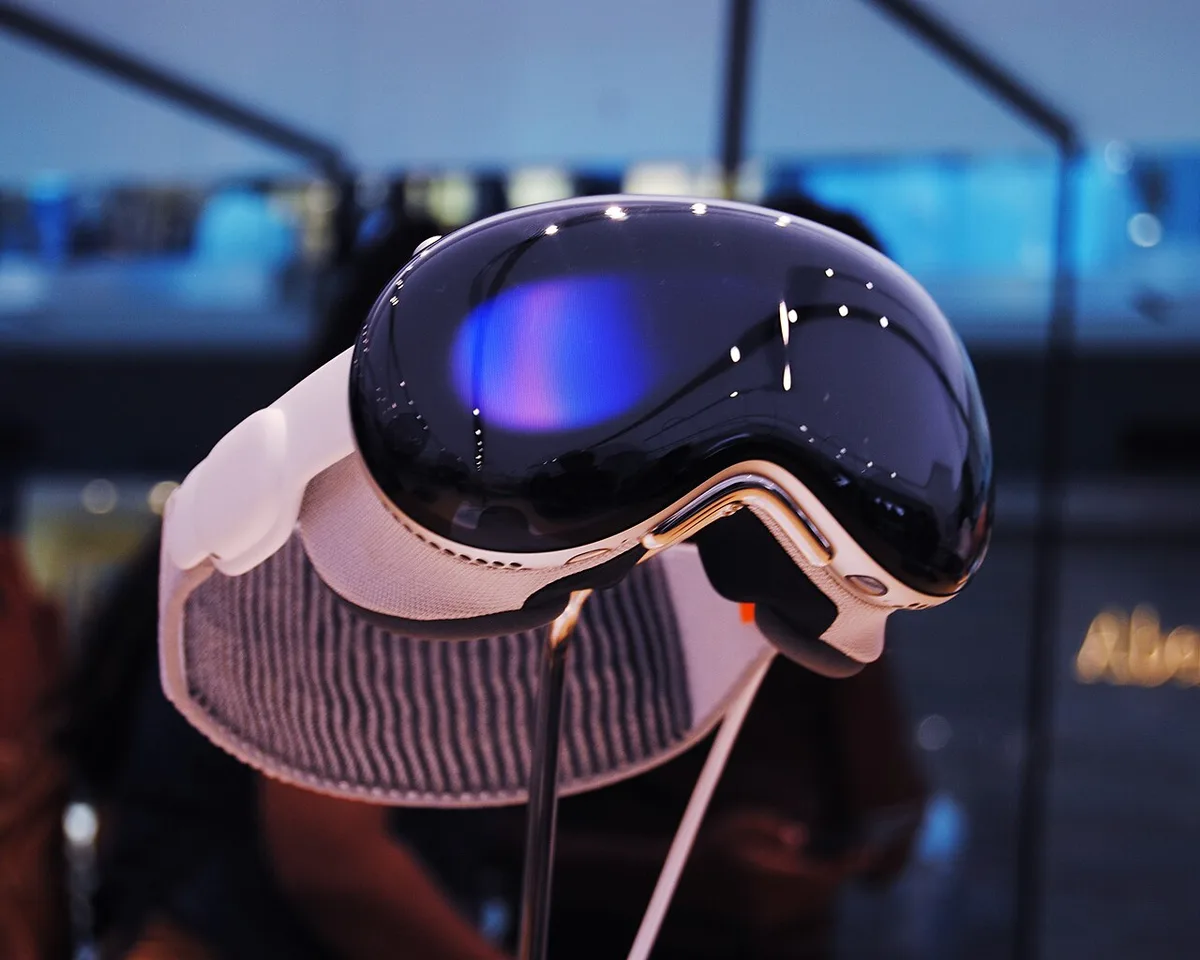
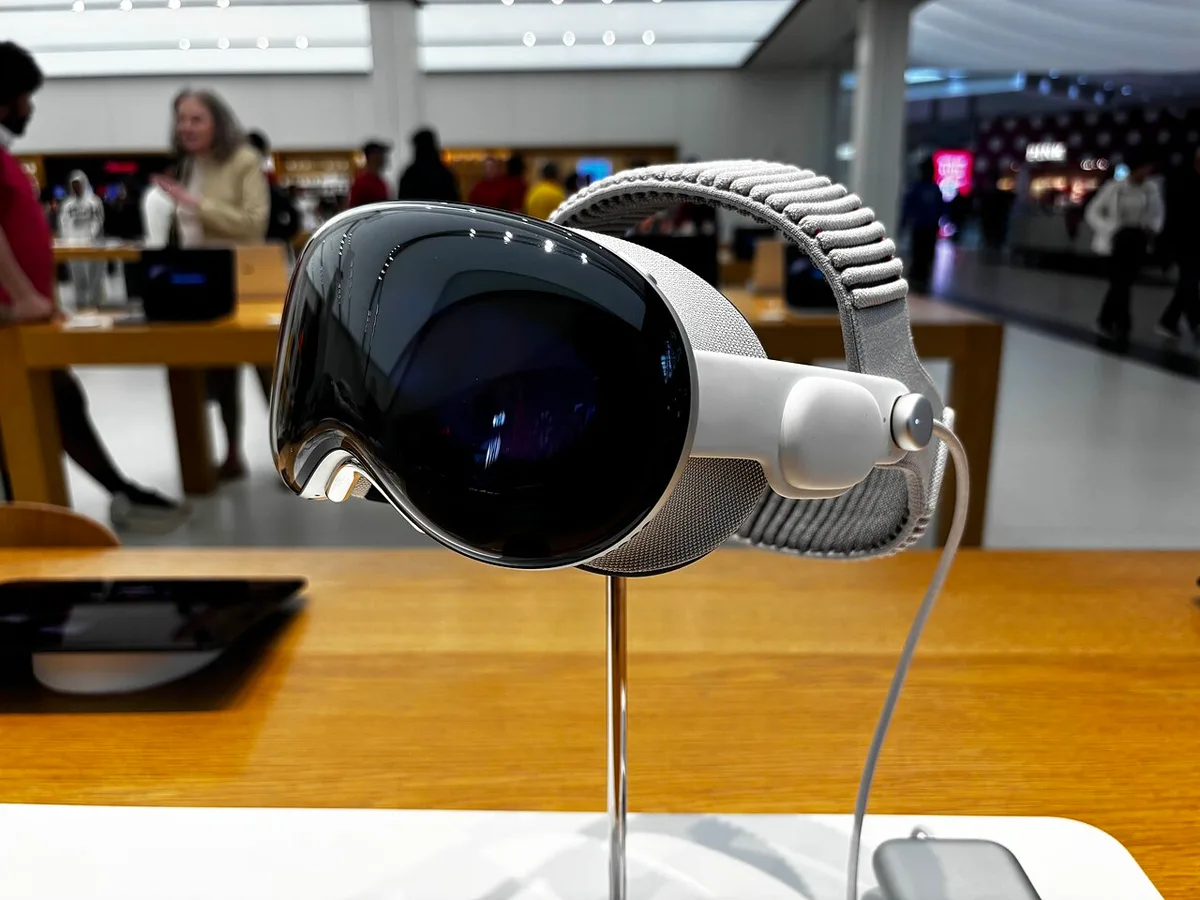
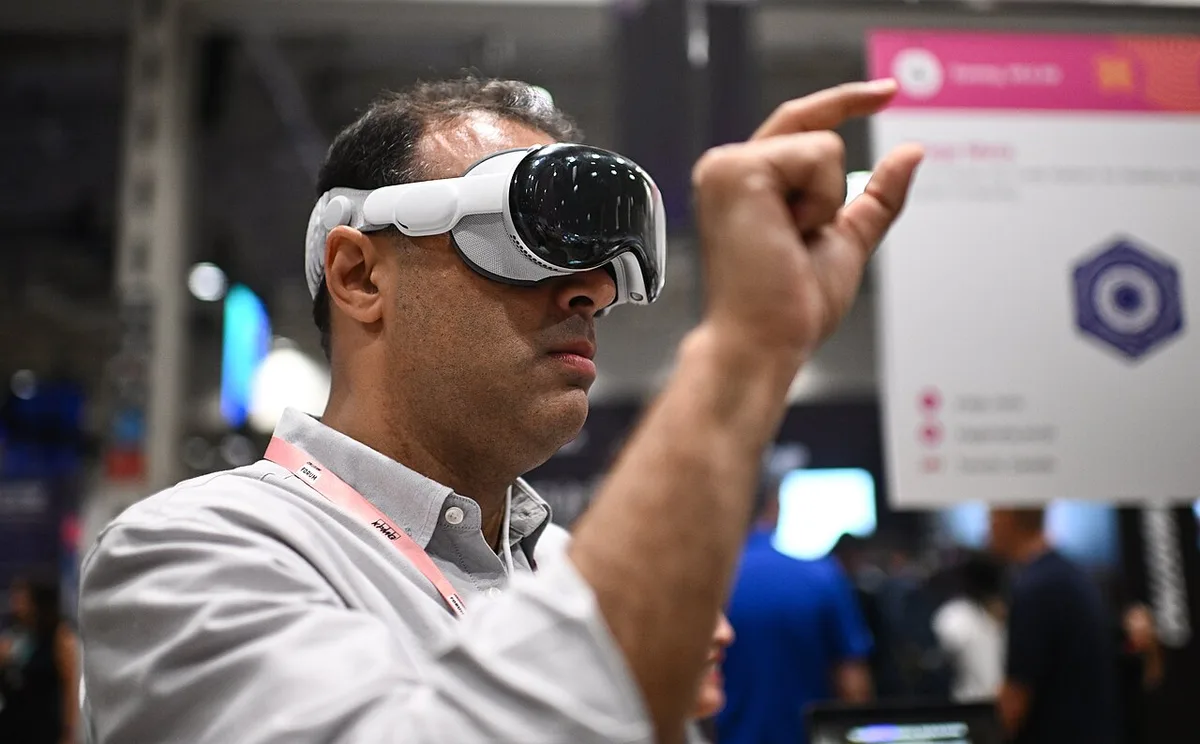
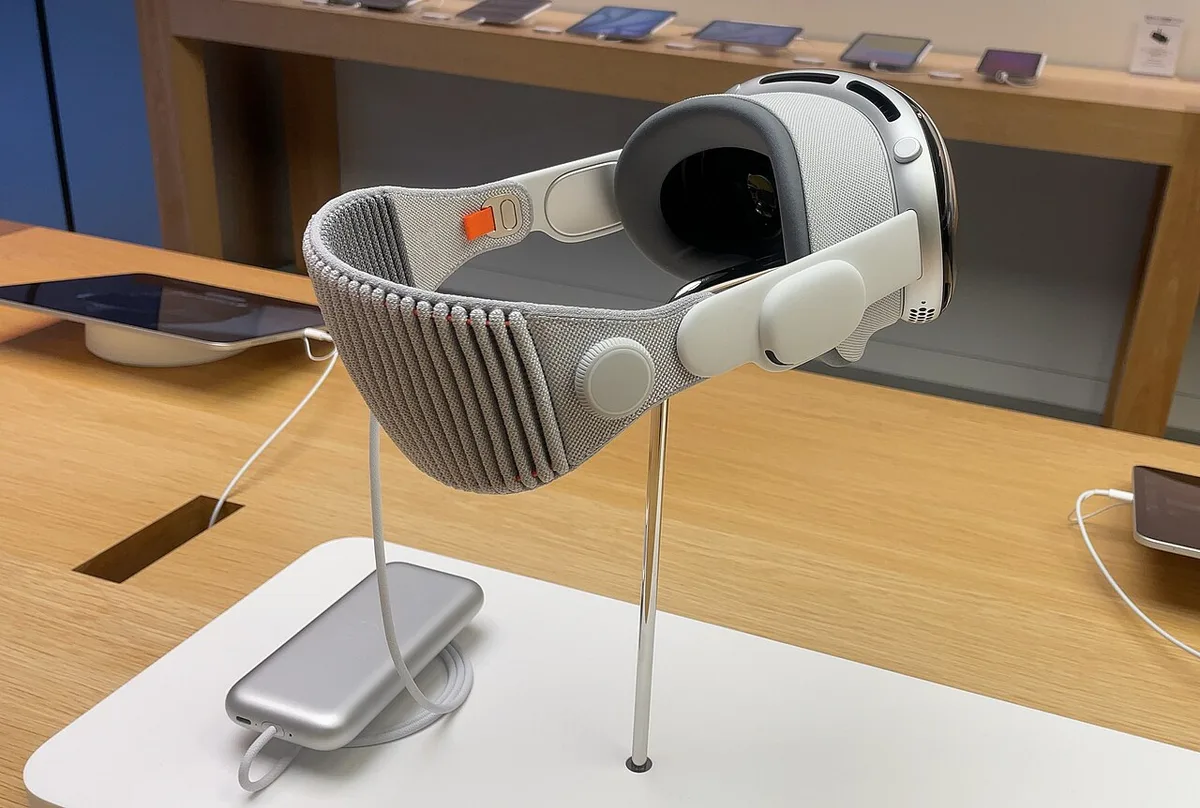
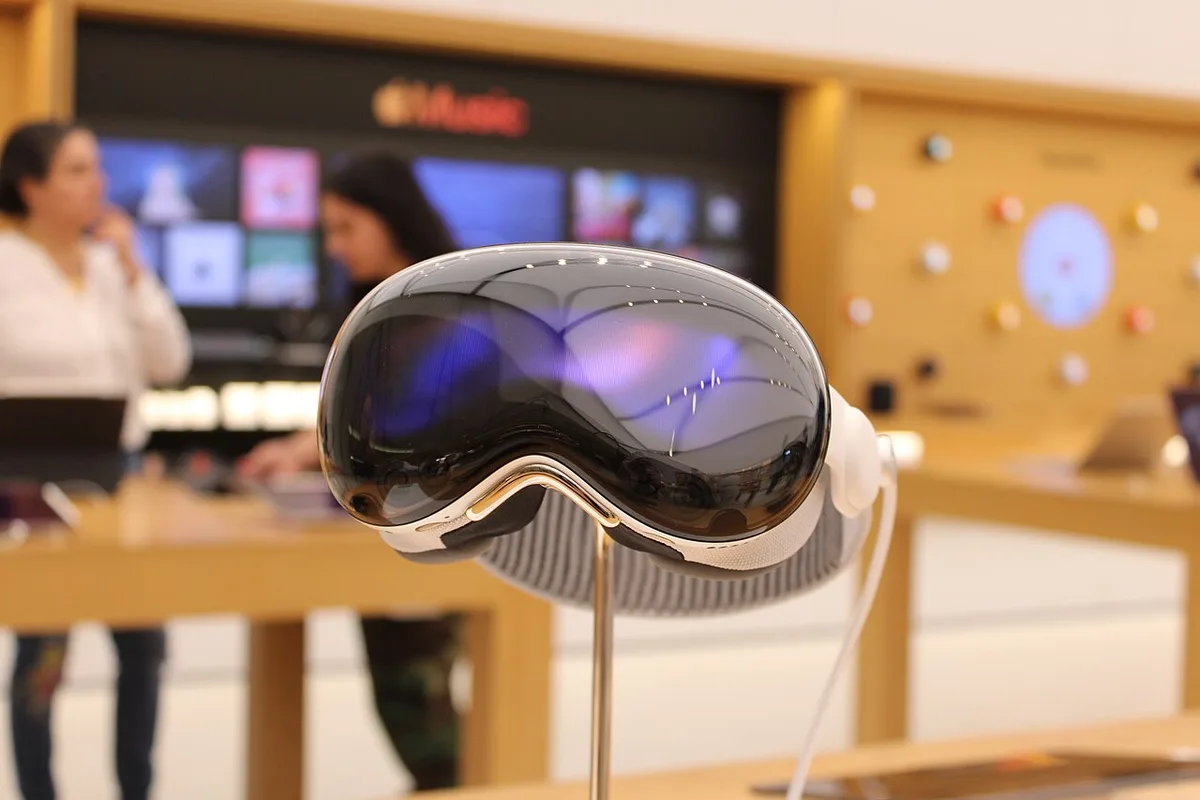
Spatial computing changes the location of information and the physical experience of using it. A useful Vision Pro evaluation follows an actual task through comfort, input, collaboration, and completion.
Charging depends on the device, power source, cable, supported profiles, and simultaneous use. Understanding that system prevents misleading comparisons between multiport charger ratings.
A screen shared by a household needs clear access, predictable controls, and thoughtful placement. Apple’s HomeView announcement is best assessed through those everyday responsibilities.
Wireless charging adds convenience by changing placement and connection habits. Evaluating a Qi2 setup requires compatible hardware, a suitable case, power input, heat management, and realistic timing.
A streaming box is one link in a chain of screen, audio, network, services, and controls. Apple’s October update makes that complete chain the right place to look for value.
A mesh node can show a strong local signal while its own route to the network is constrained. Understanding backhaul explains why placement and supported wired links matter.
Apple’s updated compact speaker combines present audio hardware with a future Siri AI update. A clear buying decision distinguishes those timelines and evaluates the room, services, and controls.
A faster network adapter helps only when the relevant path supports it. Local storage transfers, internet access, switches, and docks need to be considered separately in a multi-gigabit plan.
Apple’s second-generation item finder improves finding features, but a useful setup still depends on ownership, compatibility, battery care, and realistic expectations about location updates.
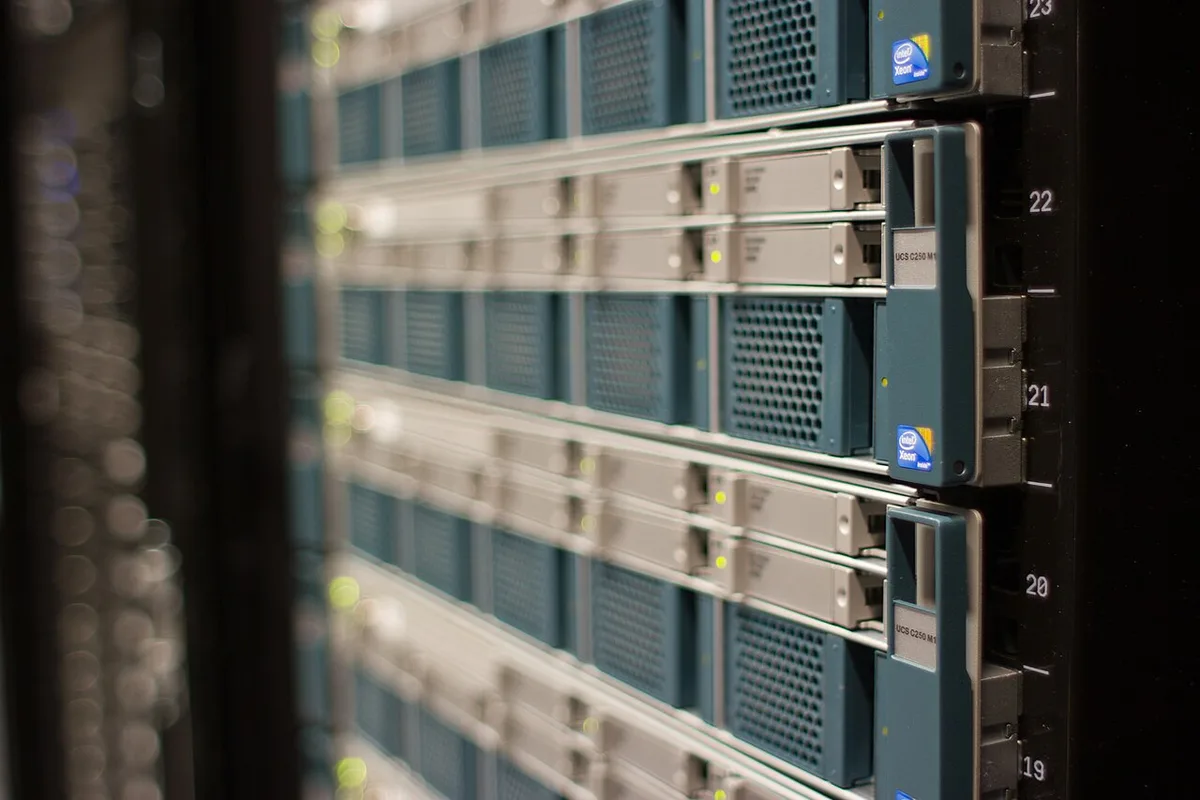
Network storage can centralize files and backups, but it also needs accounts, updates, capacity planning, and its own protection. A clear role makes a home NAS easier to justify and maintain.
A monitor can be a screen, connection point, camera, and audio system. Apple’s 2026 Studio Display update should be assessed through that full desk arrangement.
Redundant storage and backup solve different problems. Understanding capacity, availability, rebuilds, human error, and independent copies helps owners avoid a dangerous false sense of protection.
Apple’s Studio Display XDR brings mini-LED and high-refresh specifications to its display range. The useful question is how the monitor fits capture, grading, review, and delivery.
Windows offers several protection and recovery tools with different scopes. Matching each tool to a named problem prevents a successful setup screen from being mistaken for complete protection.
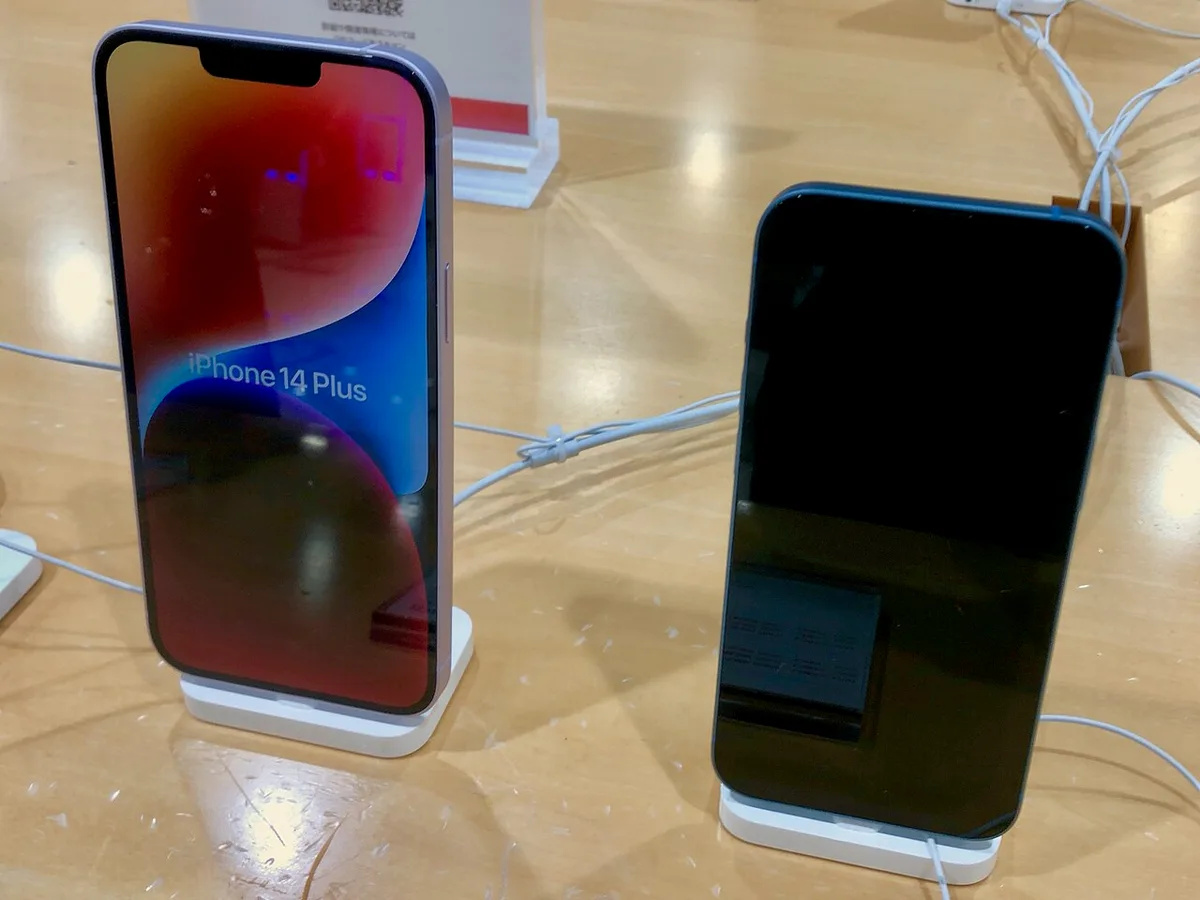
Apple’s lower-priced iPhone 17e is a reminder to assess phones through communication, storage, access, and ownership costs before paying for specialist capabilities.
UWB can support precise distance-related interactions, but compatible devices, environment, security design, and interface behavior determine the finished product experience.
Browser GPU access can support demanding computation and graphics, but limits, device loss, resource budgets, and an honest fallback determine the usable product.
Automatic Mac backups reduce routine effort, but coverage, destination, encryption recovery, and sample restoration still need attention. A useful setup is one the owner can recover from calmly.
Electronic capture can be quiet and fast while still producing motion or lighting artifacts. Understanding exposure time and readout time separately makes camera settings and comparisons more useful.
A lossless source needs a compatible playback chain, while comfort, fit, mastering, room conditions, and listening level still shape the experience. Separate those questions before buying more equipment.
RAW can preserve editing flexibility, while JPEG offers a processed, convenient output. The useful choice depends on exposure, turnaround, software support, storage, and the destination of the photograph.
A repairable device needs more than a replaceable component. Diagnosis, skill, tools, data protection, post-repair checks, and service options determine whether repair is practical for the owner.
A codec can reduce delivery demands while adding compatibility and processing questions. AV1 is most useful when a complete encode-to-playback path fits the audience and production schedule.
Battery aging can affect endurance and performance, while usage, temperature, software, and service options also matter. A practical assessment starts with the problem experienced during the day.
Immersive audio depends on content, rendering, playback equipment, and listener context. Understanding those layers helps separate a useful spatial experience from a label applied to every sound.
LE Audio introduces a new audio framework, while Auracast addresses broadcast use cases. Their practical value depends on explicit support across the source, receiver, software, and intended setting.
A privacy-conscious computer setup needs clear application permissions, browser controls, supported hardware switches, and an understanding of their limits. One indicator cannot describe every part of the system.
Passkeys can simplify supported authentication and reduce password-related exposure. Choosing among synced credentials and device-bound authenticators requires attention to devices, account recovery, and organizational rules.
Useful performance evidence names the workload, settings, system, comparison, and uncertainty. Reading those details helps turn launch graphs and review charts into practical hardware decisions.