- Price the complete workstation, including reused equipment.
- Plan cable access, ventilation, and peripheral behavior.
- Separate storage roles and maintain recoverable independent copies.
A small box is only the center of the system
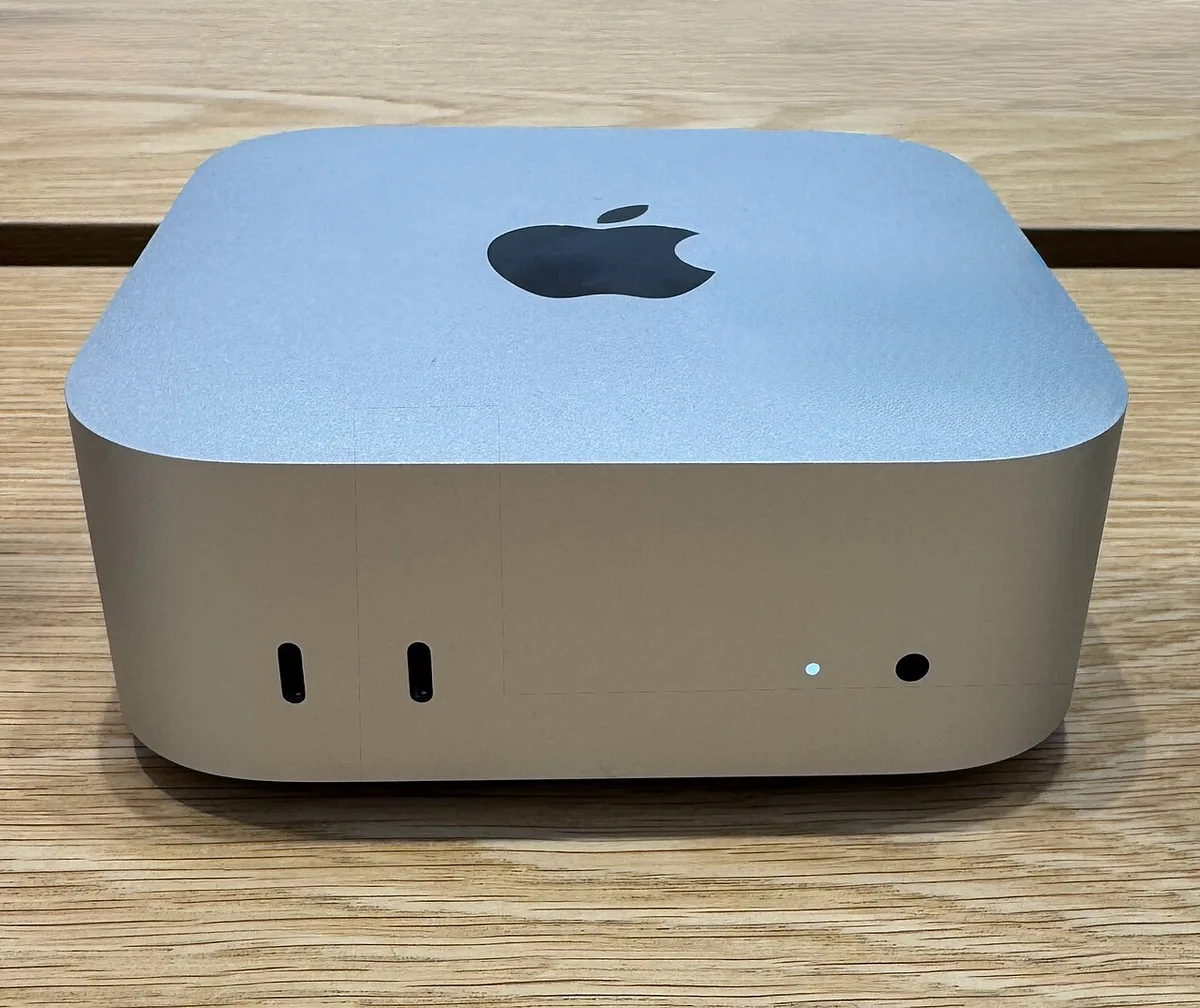
Apple’s August 25 Mac mini announcement describes models using M6 or M5 Pro. The product is an invitation to separate the computer from the screen and the rest of the desk. That can be a useful way to retain good equipment, choose a particular monitor, or fit computing into a limited space. It can also make the starting price an incomplete description of the purchase. We have not benchmarked the new models or tested their peripheral behavior.
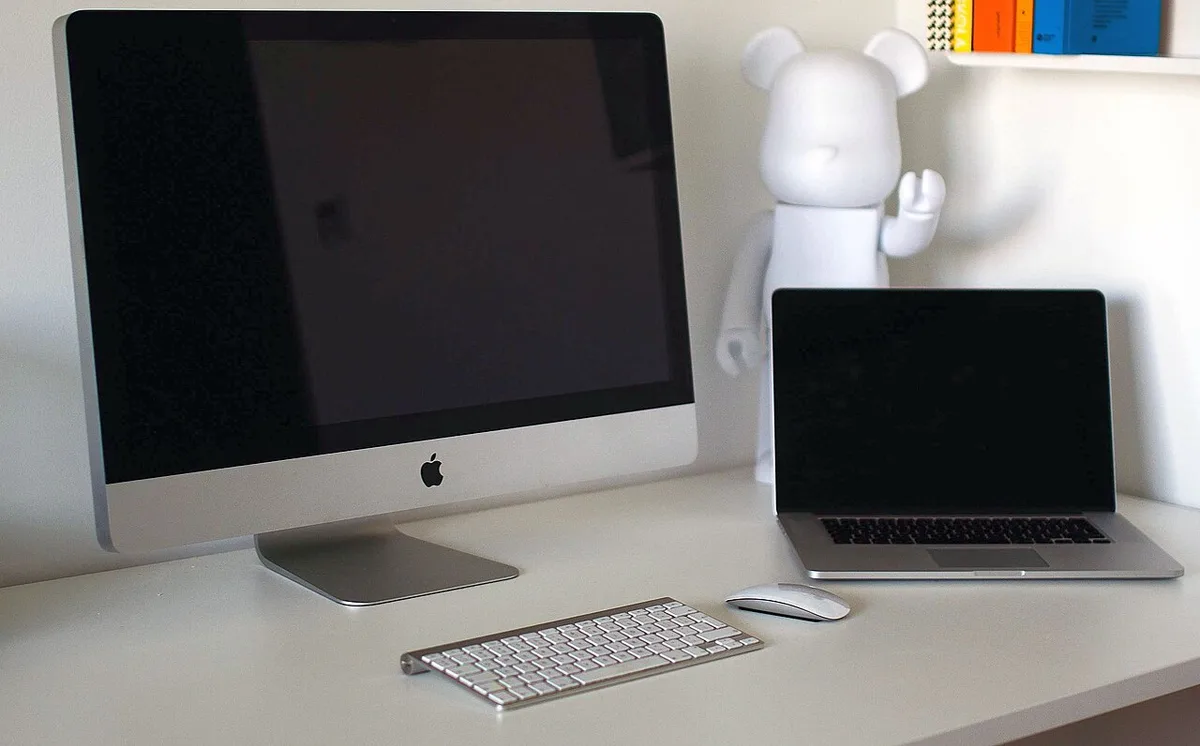
The first step is to inventory what already works. A monitor, keyboard, pointing device, camera, speakers, and storage may all be reusable, provided their connections and software support align. If most of those items must be purchased, compare the full system with alternatives. A compact desktop is most appealing when its modularity solves a real problem, rather than when the small enclosure simply makes the rest of the setup disappear from the initial calculation.
Reusing a display can preserve value
Displays and computers do not always become inadequate at the same time. A screen with suitable resolution, comfortable ergonomics, and acceptable color behavior may remain useful after its attached computer needs replacement. Keeping the two separate allows that difference in lifecycle to become an advantage. It also lets a user choose a screen for the actual task, such as a larger workspace for documents or a particular physical size for a constrained desk.
Check more than whether the cable plugs in. Verify the display’s resolution, refresh rate, available inputs, audio behavior, and any adapter requirements. An older monitor may work well but need a specific cable or a different connection path. Test wake-from-sleep behavior and the arrangement of multiple screens if relevant. The goal is a stable desk, not a theoretical compatibility claim. A modest amount of connection planning can preserve useful equipment and prevent a new computer from creating an unexpected second shopping list.
Desk space is about access as well as footprint
A small computer can fit where a tower cannot, but placement still affects everyday use. Ports need to be reachable, cables need room to bend without strain, and ventilation should follow the manufacturer’s guidance. Hiding the computer behind a display may make the desk look cleaner while making a frequently used connection inconvenient. The right location depends on how often devices are attached and removed.
Sketch the cable routes before buying a mount or enclosure. Include power, display, networking, audio, storage, and any security arrangement required in a shared setting. Leave access for maintenance and identification of connected devices. Labeling similar cables can save time later. A compact system should reduce clutter without turning the back of the desk into an inaccessible puzzle. Its physical advantage is greatest when the arrangement remains easy to understand after the initial installation is forgotten.
Memory choices should follow active work
Desktop buyers sometimes associate a small enclosure with light tasks, yet compact systems can serve demanding workflows. The correct configuration depends on the size and concurrency of the work rather than the size of the computer. A browser, development tools, communication applications, and a substantial project may place different demands on memory from a machine used primarily for a single document at a time.
Observe the existing system during busy periods. Note when applications compete, whether active projects fit comfortably, and whether storage activity accompanies pauses. Use those observations to choose a configuration with reasonable headroom. Avoid assuming that an external drive can resolve every resource limitation; storage capacity and working memory serve different roles. Check the official upgrade and service information before purchase. A configuration decision is easier to make honestly when it is based on current work and likely growth, rather than a vague fear of every possible future task.
External storage needs a purpose and a backup
A modular desktop often accumulates external drives. One may hold active work, another may serve as an archive, and another may contain a backup. These roles should be named clearly. A drive with the only copy of a project is not a backup, regardless of how safely it sits on the desk. The system should make it possible to recover from accidental deletion, device failure, or an unavailable main computer.
Plan the data path. Decide where a new project begins, where completed material moves, and how an independent copy is maintained. Check the connection needed for the workload and whether the drive remains dependable during sleep and wake transitions. For work requiring sustained transfers, test more than a short burst with an empty drive. Include file organization and recovery in the evaluation. A fast compact computer feels much less useful when its storage arrangement is fragile or difficult to reconstruct.
A stationary computer can serve a changing household
A Mac mini can be part of a family desk, a home office, or a specialized station used for a narrow purpose. Each setting benefits from clear accounts and responsibilities. Shared hardware should not expose everyone’s personal messages and saved passwords. Separate user accounts and understandable shared folders make the system easier to maintain, especially when more than one person depends on it.
Assign responsibility for updates, backups, and software installation. Keep a record of essential applications and recovery methods in an appropriate secure location. If the desktop supports paid work, check employer or client requirements before combining that material with a general household account. A small computer can be unobtrusive enough that maintenance is forgotten, but invisibility is not a maintenance strategy. The system’s usefulness depends on someone knowing what is installed, what is protected, and how to restore it when something changes.
Modularity pays when the surrounding choices are intentional
The new Mac mini is best evaluated as the computing component of a complete workstation. Its appeal may be the ability to keep a good display, choose a flexible arrangement, or reserve space for other tools. Those benefits can be substantial even when the owner never runs an extreme benchmark. Conversely, a person who needs a full new desk setup may find another form factor more straightforward or less costly.
Build a total-cost list, verify the exact model’s connections and configuration options, and test representative work with the intended peripherals. Include migration time and any adapters, camera, speakers, or storage that must be added. A successful small desktop does not merely occupy less space. It makes the available space work better, preserves equipment that remains useful, and leaves the owner with a system that is understandable enough to maintain for years.
Sources & further reading
Primary references inform the reporting. Our explanations, scenarios, and conclusions are editorial analysis; source statements are not independent test results.
Source publication or reference date: 2026-08-25.
See an error or an important update? Contact the editors.