- Choose a specific task with a real spatial or screen-space limitation.
- Test precision input, comfort, and collaboration together.
- Buy for available applications, with clear handoffs to ordinary devices.
A surrounding display changes the evaluation
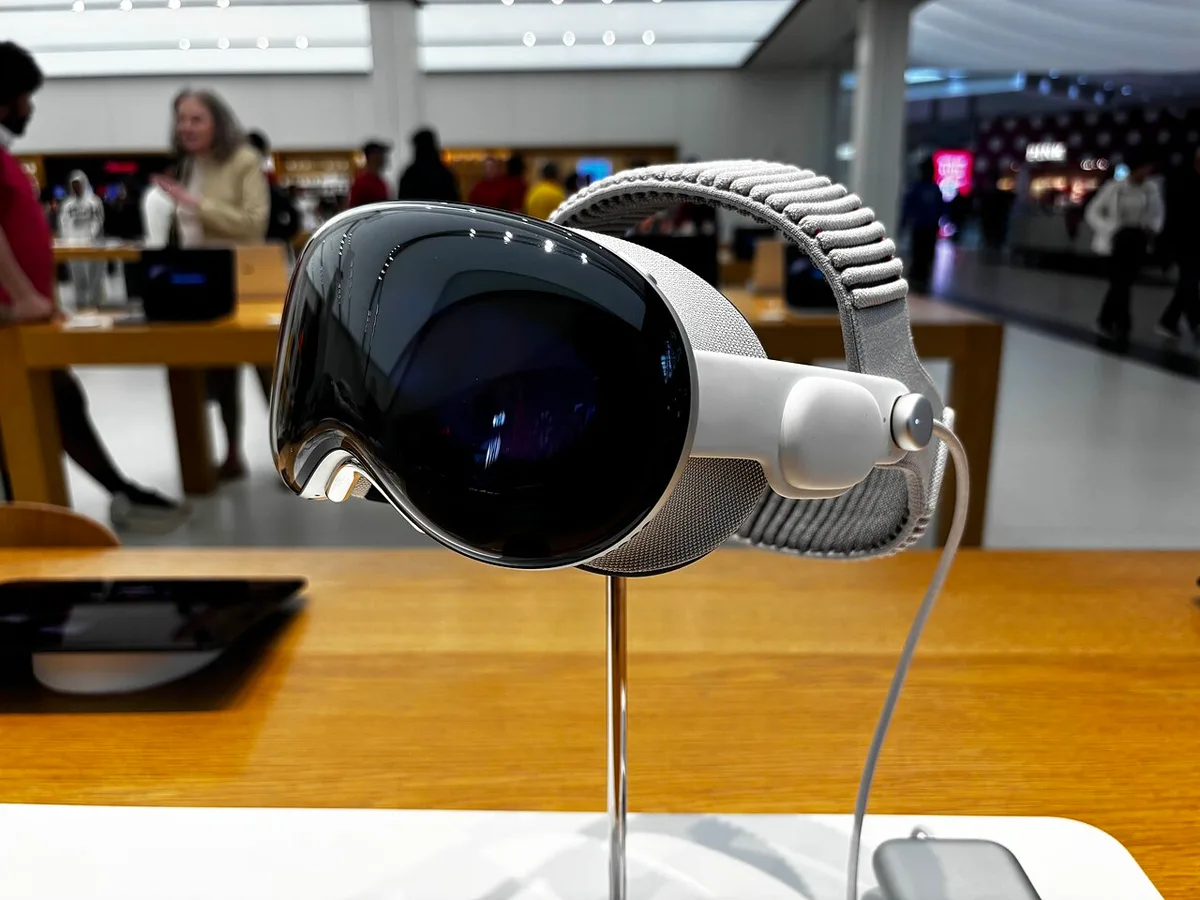
Apple’s October 2025 Vision Pro update introduced M5 and a Dual Knit Band. Those changes belong to a product category whose appeal is difficult to judge through a conventional specification comparison. A headset places digital material in a surrounding visual space and changes how the user interacts with both information and the room. We have not tested the updated model, measured its displays, or evaluated long-session comfort. This article considers a method for deciding whether that form of computing supports a real task.
The central question is not how many virtual windows can be arranged. It is whether the arrangement makes something easier to understand or complete. A surrounding workspace might provide useful reference space, a different way to inspect three-dimensional material, or an immersive viewing experience. It also introduces physical equipment, input requirements, and social boundaries. These consequences deserve equal attention because they occur throughout use, not only during a memorable demonstration.
Start with one task that ordinary screens handle poorly
A headset trial becomes more informative when it has a defined purpose. Choose a task with a genuine spatial component or a repeated screen-space limitation. That could involve inspecting a three-dimensional model, comparing several sources, or reviewing material in a presentation designed for the device. Avoid beginning with a vague desire to feel more productive. Without a task, an impressive environment can be mistaken for an improvement in the work itself.
Describe how the task is completed now. Note the steps, the information needed at once, and the point where the present arrangement becomes awkward. Then reproduce as much of that process as possible in the headset. Compare the result by completion, errors, comfort, and the effort required to return to other work. A spatial interface is valuable when it reduces a meaningful limitation. Simply moving familiar windows into a larger apparent space may be enjoyable without changing the outcome enough to justify the equipment.
Input is the bridge between seeing and doing
An interface can make material visible while leaving manipulation cumbersome. Selection, text entry, precise adjustment, and correction each have their own demands. A headset may combine several input methods, but the user still needs to understand which one suits the current action. A short demonstration of selecting a large target does not establish the experience of editing a detailed document or making repeated precise changes.
Test actions at their normal level of detail. Enter a paragraph, correct a mistake, move an object, and find something that is no longer in the immediate view. If a keyboard, trackpad, controller, or connected computer is part of the intended setup, include it from the beginning. Check the official compatibility guidance. The useful measure is the complete interaction cost, including switching methods. A convincing workspace makes it clear how an intention becomes an action and how an incorrect action can be recognized and undone.
Comfort has a physical and an attentional dimension
A headset is worn, so fit, adjustment, and the distribution of contact matter. A new band design can be relevant without guaranteeing comfort for every person. The appropriate trial follows the manufacturer’s instructions and includes the conditions of actual use. A device that feels acceptable for a brief demonstration may feel different during a longer task. Individual experience should take priority over an assumption that another user’s comfort result will transfer.
Attention also has a cost. A surrounding interface may reduce some distractions while making transitions back to the physical room more deliberate. Consider whether the task requires frequent conversation, looking at paper, or moving around a shared workplace. Follow the device’s safety guidance and use it only in suitable conditions. If discomfort or other concerning symptoms occur, stop and seek appropriate guidance. The point of evaluating comfort is to establish a sustainable routine, not to push through a poor fit to justify an expensive purchase.
Collaboration includes people outside the headset
Many tasks are collaborative even when one person operates the device. A colleague may need to see a change, a client may need to comment, or a household member may need attention. A private surrounding display changes those interactions. The user should understand how work can be shared, what another person can see, and whether the process remains convenient for everyone involved.
Try a realistic collaboration rather than a solo demonstration. Share the relevant material through the supported method, ask another participant to identify the same item, and make a revision based on their feedback. Check whether files and comments remain accessible afterward on ordinary devices. A specialized interface should not make collaborators adopt unnecessary equipment merely to review a result. Its strongest role may be one stage in a shared process, with clear handoffs to the tools other participants already use.
Content availability matters more than theoretical possibility
A platform’s potential can be broad while the set of useful applications for a particular person remains narrow. Distinguish software that exists today from demonstrations, announced plans, and imagined future tools. A purchase should have a defensible use with currently available capabilities. Future development may add value, but it is an uncertain bonus rather than a reliable way to fill a gap in the present argument.
Check the exact applications, regional availability, required accounts, subscriptions, and file formats. If the task depends on a connected computer or network service, include those dependencies in the evaluation. Test what happens when the connection changes or the task must be resumed elsewhere. The complete system may be more elaborate than the headset alone suggests. Clear dependency mapping makes it possible to compare spatial computing with simpler alternatives on practical grounds rather than on the breadth of a platform’s ambitions.
The right outcome may be a specialized role
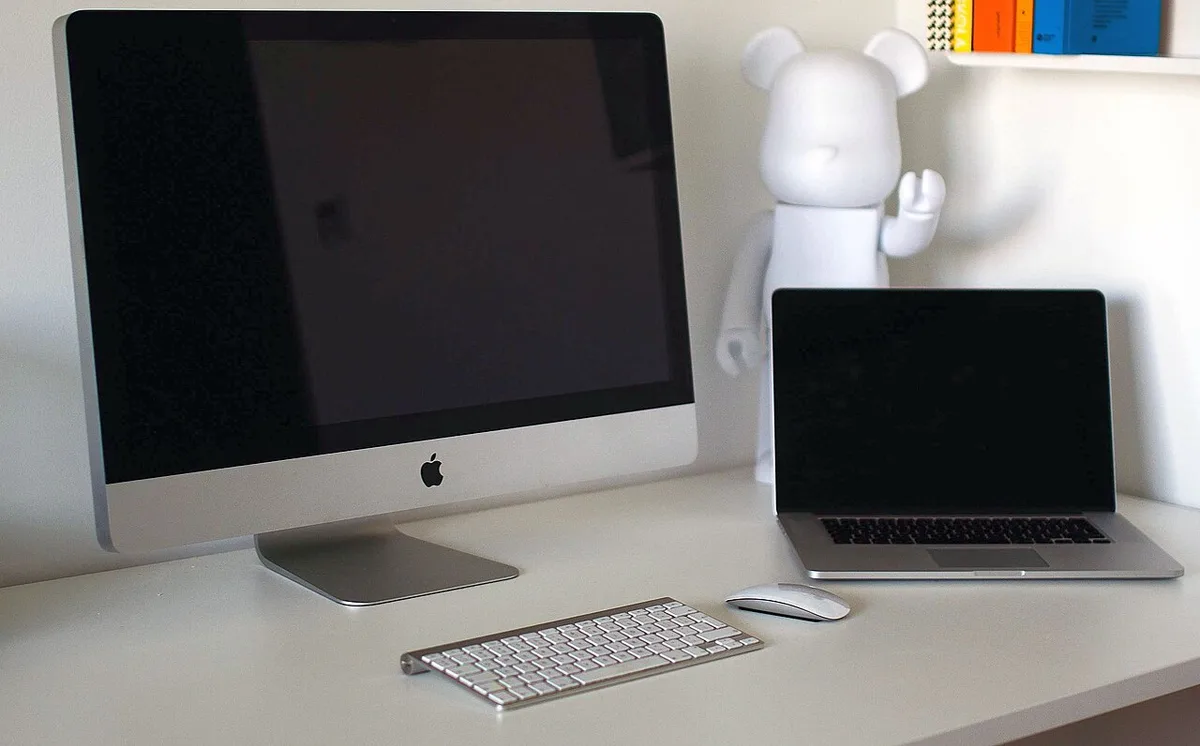
Vision Pro with M5 can be considered as a tool for particular experiences rather than an automatic replacement for a laptop, monitor, or television. A specialized role is not a failure if it occurs often enough and provides sufficient benefit. The relevant comparison includes the full cost of equipment, accessories, applications, setup, and the time needed to learn a new interaction style. It also includes the physical space and social setting in which the device will be used.
Build the decision around a complete pilot: a named task, a comfortable session, a collaboration, a saved result, and a return to ordinary work. Record what improves and what becomes more complicated. Seek current independent evidence for claims that matter to the intended use. The most persuasive spatial computer is not the one that creates the largest imagined office. It is the one that makes a specific activity clearer or more effective while remaining comfortable, understandable, and compatible with the rest of a person’s life.
Sources & further reading
Primary references inform the reporting. Our explanations, scenarios, and conclusions are editorial analysis; source statements are not independent test results.
Source publication or reference date: 2025-10-15.
See an error or an important update? Contact the editors.