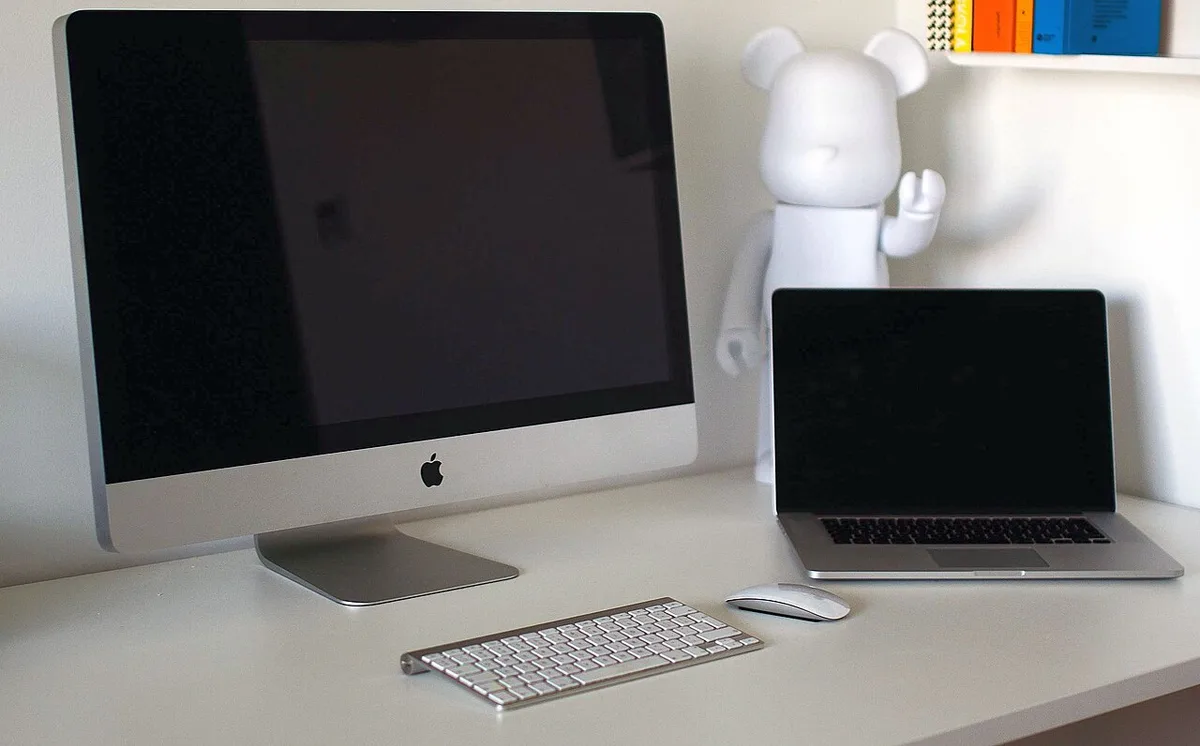
- Judge resolution at a comfortable text size and real viewing distance.
- Test the camera, audio, hub, charging, and wake behavior together.
- Choose the stand and finish for the actual room.
A monitor often outlasts the computer connected to it
The display is the part of a workstation a person looks at throughout the day, yet it is sometimes chosen after the computer budget is already spent. Apple’s March 3 Studio Display announcement is a reminder that a monitor can also organize several parts of the desk. The company describes an updated camera and audio system together with Thunderbolt 5 connectivity. We have not measured the display, tested its camera, or evaluated its compatibility with a particular computer.
The useful question is what the monitor should do for the whole setup. A writer may need comfortable text and space for references. A developer may want a stable multi-window arrangement. A person joining frequent calls may value integrated camera and audio. These roles overlap, but they do not make every premium display the right choice. Begin with the daily tasks and the equipment that the monitor would replace or consolidate.
Resolution should be understood through usable workspace
A high pixel count can support sharp text and detailed images, but the practical result depends on scaling, viewing distance, and the user’s preferred text size. More pixels do not automatically mean that more information can be read comfortably at once. A screen that encourages tiny text can create an impressive-looking workspace that is unpleasant to use for long periods. The aim is clarity at a size that supports the actual task.
Try the operating system’s display settings with familiar applications. Open a document, a browser reference, and any tool that normally remains visible. Check menus, dialog boxes, and small labels as well as the main content. If the desk is shallow, the viewing distance may be constrained. A monitor should be evaluated at that distance rather than from a showroom position. Useful workspace is the amount of material that can be seen and understood comfortably, not the maximum number of windows that can be squeezed onto a screen.
Integrated camera and audio can simplify communication
A built-in camera, microphones, and speakers can reduce the number of separate devices on a desk. That simplicity is valuable when it makes calls dependable and setup easy to explain. It should still be tested in the room where the monitor will live. Window light, background noise, screen height, and seating position influence the communication experience. Integration does not remove those environmental factors.
Make a call through the application used most often. Ask another participant about outgoing sound and framing, and check whether the speaker level is suitable without causing an awkward room experience. If a headset remains necessary for privacy or noise control, the integrated speakers may have a narrower role. That does not make them useless, but it changes their value in the comparison. Count the devices genuinely removed from the desk rather than assuming every built-in feature replaces an existing accessory equally well.
A connection hub must match the actual computer
A display with downstream connections can become a convenient point for storage, input devices, and other peripherals. The arrangement depends on the computer, monitor, cable, and attached equipment supporting the required functions together. Similar-looking connectors do not guarantee identical capabilities. Power delivery, data rates, display modes, and supported chains all need to align with the intended setup.
List what will remain connected and what will be attached occasionally. Check the exact computer’s support documentation and the supplied cable’s requirements. During a trial, move a representative file, connect the usual input devices, and test sleep and wake behavior. If the laptop is charged through the monitor, confirm that the arrangement fits the workload and model. A single-cable desk is appealing when it is dependable. It loses much of its advantage if the user routinely troubleshoots which device disappeared after a reconnection.
The stand is part of the ergonomic decision
A monitor’s image quality cannot compensate for an unsuitable position. Height, tilt, desk depth, and chair adjustment influence the relationship between the user and the screen. Different stand or mounting options can have different costs and limitations. Decide on the required arrangement before ordering, particularly if a custom arm or shared desk is involved. The correct option is the one that fits the physical workspace and the people using it.
Measure the desk and consider the space behind and below the display. Include speakers, notebooks, drawing equipment, or other items that compete for the same area. If more than one person uses the station, adjustment may be especially important. Follow the manufacturer’s mounting guidance and use compatible equipment. A clean visual arrangement should not be achieved by accepting a poor working position. The display is daily infrastructure, and its support structure deserves as much deliberate choice as the screen itself.
Surface finish should respond to the room
Reflections can interfere with a display even when the panel itself is capable. Window placement, lighting, and bright objects behind the user influence what appears on the surface. A special finish may help in some environments, but it should be considered alongside simpler changes to placement and light control. The best choice depends on the room rather than a general assumption that the more expensive surface is always preferable.
Inspect familiar images and text under realistic lighting. Check the manufacturer’s cleaning instructions for the selected finish, since care requirements can differ. If accurate image judgment matters, consider how the surface and environment affect that work. Avoid relying on a quick comparison made in a room unlike the intended workspace. A monitor that looks excellent in controlled light may be distracting beside an uncovered window. The purchase should solve the actual reflection problem, not an imagined one inferred from promotional photographs.
A good desk monitor makes the system easier to live with
The 2026 Studio Display can be assessed as a combination of screen and desk infrastructure. Its value may come from sharp everyday work, integrated communication, reduced cabling, or a coherent connection point. A buyer who needs only one of those roles should compare alternatives that meet that need directly. A buyer replacing several separate devices may arrive at a different conclusion about the total package.
Verify current compatibility, stand options, pricing, and service terms. Test the full desk rather than only the panel: text, calls, peripherals, charging, wake behavior, and physical comfort. Consider how long the display is likely to remain useful through future computer changes. The best monitor purchase creates a stable place to work. Its success is measured by clear information, comfortable positioning, reliable connections, and fewer small interruptions each time the user sits down.
Sources & further reading
Primary references inform the reporting. Our explanations, scenarios, and conclusions are editorial analysis; source statements are not independent test results.
Source publication or reference date: 2026-03-03.
See an error or an important update? Contact the editors.